Visibility Gaps
What this is for, in one sentence: Visibility Gaps is the prioritized to-do list every diagnosis in the product flows into — technical fixes, content upgrades, and new content opportunities, each prioritized, explained, and ready to hand to whoever does the work.
When to come here:
- After any audit or analysis, to see what it produced as actionable work
- When planning a client’s month: this list is the raw material for a work plan
- When someone asks “so what do we actually do about our AI visibility?” — this screen is the answer
Marcus Tan runs NorthStar Digital, and his product isn’t dashboards — it’s outcomes his clients pay monthly for. For the agency, this screen is the bridge between the two: diagnosis on one side, a scoped, prioritized, delegable backlog on the other. For MenuPilot, one of NorthStar’s retainer clients, that backlog is the list of gaps the latest audit found.
Key numbers and terms
Section titled “Key numbers and terms”- High priority, Medium priority and Low priority: set by the rule that found the gap, not by hand. For example, a robots.txt rule that blocks AI crawlers is High priority, and a missing llms.txt is Low priority. The tag sits on the panel for each kind of gap.
- Tabs: All, Technical fixes, Content optimization and New content ideas, each with a count beside its name. An empty tab reads, for example, No technical fixes, which means nothing has been detected for it yet, not that something broke.
- Page and Suggestions: each row in a panel is one page, with the number of suggestions the audit has for it. Open the page in a new tab from its row.
- Content score and Extractability score: shown out of 100 on the rows where the finding carries one. A row without one says Not scored.
- Whole site: a panel for a gap that applies to the site as a whole, not to a single page.
Work from High priority down, and treat a growing High priority count as the signal to run a fresh audit and check what changed.
Reading the backlog
Section titled “Reading the backlog”The page opens with a summary strip of three cards, then the tabs, then one panel for each kind of gap.
The summary strip answers three questions at a glance. Open gaps counts every open gap from your latest audit, says how many pages of your site they were found on, and breaks them down By kind of gap. Page content score is the audit’s average score out of 100 for how clearly your pages answer questions, cover what people look for, show expertise and are structured for AI to quote, with a split into score bands. A page counts once, at its lowest score. Start with these pages lists your lowest-scoring pages, lowest first, and selecting one jumps to it in the list below.
The tabs split the work by kind: Technical fixes are things wrong with the site’s AI-readability, Content optimization covers existing pages that could earn more visibility, and New content ideas covers pages that don’t exist yet but should. Export sits beside the tabs and exports the tab you are on.
Each panel is one kind of gap. The panel says what the gap is, once, with its priority tag and how many pages it was found on (or Whole site). Under it is a row for every page, worst score first, showing the page, its content score, the number of suggestions, and a button for the fix that suits the gap, such as Optimize, Optimize schema, Add schema, Generate llms.txt or Fix issue. Add schema opens a how-to guide, not the generator. Panels list the first few pages and use Show all and Show fewer for the rest.
Every row can say why. Open a row’s suggestions and you see What to fix, the specific problems the audit found on that page, and Suggested next steps to raise its score. Where AI engines quoted a passage from the page, the row shows it. That is the difference between “an SEO tool told us to” and “here is the page and the reason”.
What the priority is for
Section titled “What the priority is for”For an agency, the ordering is the whole point. Read the panels by priority and the backlog is already sequenced. This list converts directly into:
- A monthly work plan: High priority first, then Medium, then Low. The technical fixes land before the Low priority llms.txt item, and the content refreshes follow in the tier they were given.
- A scoped client conversation: each panel carries its own rationale, priority and list of pages, so the retainer isn’t “AI optimization work”, it’s named deliverables with reasons attached.
- Delegation without translation: a panel is a ticket, a row is the page to open, and the suggestions are the context. Nothing needs a strategist to re-explain it to the person doing the work.
Honest guidance: priority is not a promise. The tier tells you what to do first, not how long it takes or how much it will lift. Zicy does not estimate hours or impact for an item, so scope each one against the actual site before you commit time to a client, and promise the work and the measurement, not the number.
The technical tab: where audits land
Section titled “The technical tab: where audits land”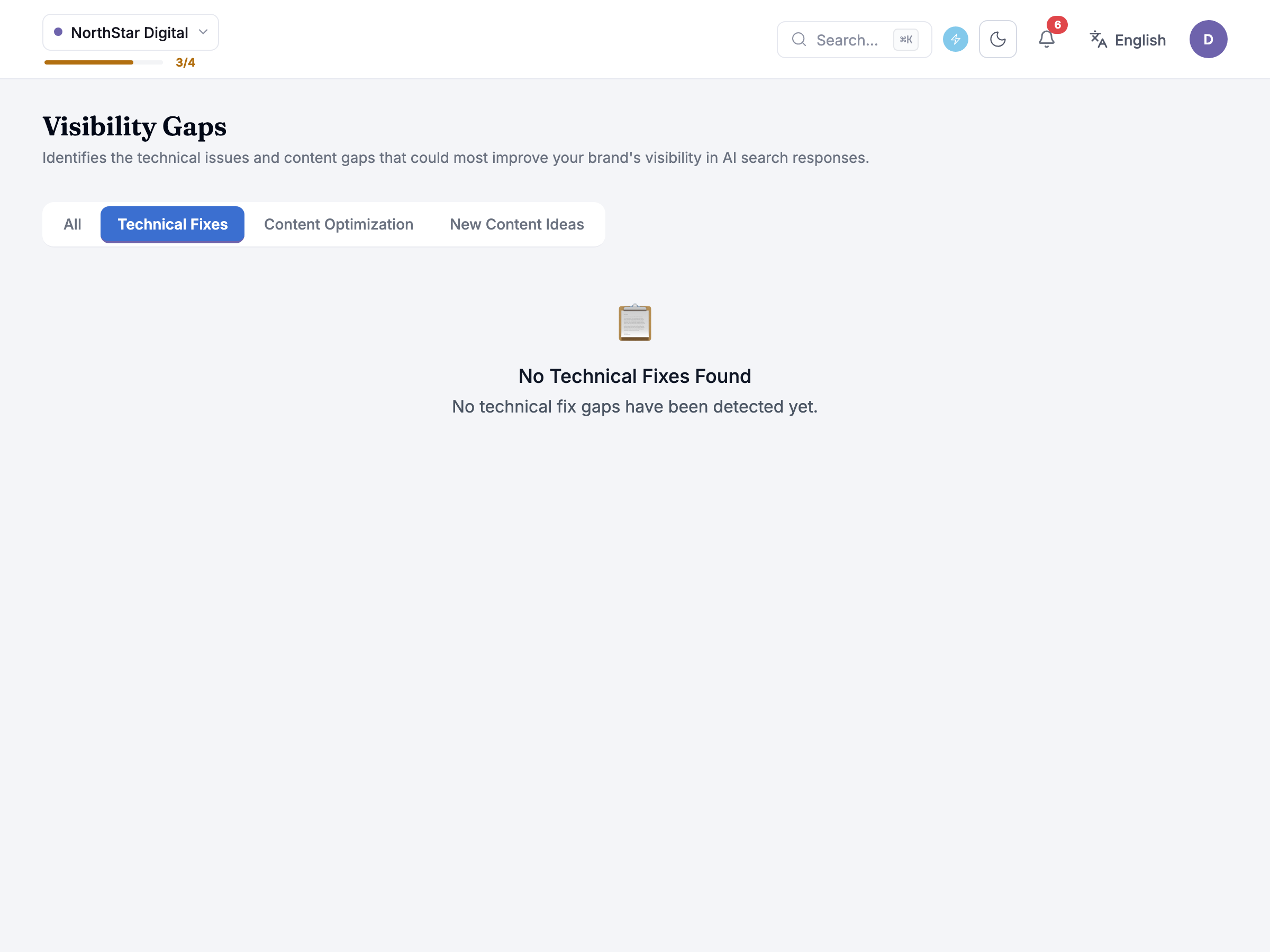 This tab holds the technical issues your site audits find.
“Add to fix list” on a Brand Intelligence fix adds it to your Visibility Gaps backlog with a Brand intelligence tag. It shows on the All tab, not this one.
An account with no technical gaps sees this tab stay empty: No technical fixes, with No technical fix gaps have been detected yet. underneath.
A new client’s first visit
Section titled “A new client’s first visit”Switch to a client where nothing has been diagnosed yet, and once the page loads it says so directly instead of leaving the screen blank.
It shows No visibility gaps found, with We haven’t found any visibility gaps yet. Run a site audit to check your pages. underneath, and a single Run a site audit button that takes you to the Site Audit page. A site audit can run from a few minutes to the best part of an hour on a large site, and one you run yourself counts towards the plan’s allowance. For an agency onboarding a client, that’s the first-day motion: add the client, let the first site audit finish (Zicy starts it automatically if the profile has a website address, and you run it yourself only if it didn’t start), and walk into the kickoff call with a populated, prioritised backlog instead of a promise to have one.
Honest guidance — an empty tab isn’t an error. Once populated, a category can still be legitimately empty — technical checks can simply all pass, and content ideas generate from analysis runs. The tab will say which situation you’re in — nothing diagnosed yet, or diagnosed and clear — so read the explanation before assuming something’s broken.
Honest guidance: a long backlog is a menu, not a mandate. Sequence by tier and dependency: cheap site-wide fixes first (llms.txt, schema), then the content items serving the most tracked prompts, and let Low items wait for a quiet week. Shipping everything at once also destroys your ability to attribute what worked — stagger, measure, then continue.
Plan and credits
Section titled “Plan and credits”Visibility Gaps is for owners and members. Viewers are sent back to the dashboard if they open it, even from a direct link.
Like Site Audit, it is hidden from the sidebar of Micro SME brand profiles.
Reading the list does not spend any allowance. The items come from audits and analyses, and a site audit is what uses the plan’s page allowance (see Site Audit).
Common questions
Section titled “Common questions”Where do items come from? Three sources: site audits (technical), content analysis of your tracked pages (optimization and ideas), and fixes added from Brand Intelligence via “Add to fix list.” Brand Intelligence fixes carry a Brand intelligence tag, so the backlog stays auditable.
How do I verify a completed item actually worked? Two loops: re-run the site audit to confirm technical fixes landed, then watch the metrics the item’s reason line named — coverage on those tracked prompts, ranking on those comparison prompts — across the following periods. Technical fixes show up on the next audit; the metric movement takes weeks.
Can I show this list to a client? It’s built to be shown: plain-language titles, reasons, and priority. For a standing deliverable, fold it into the exported report (see Exporting Client Reports) rather than screen-sharing the tool.
Why is my New content ideas tab empty when the others aren’t? Ideas generate from analysis runs; a fresh client or a just-changed prompt set may not have produced them yet. The empty state says why and what triggers generation — it’s a timing state, not a failure.
High priority on everything was the old joke — how are tiers assigned now?
From the detection rule that raised the item: each rule carries a fixed priority (for example, a robots.txt rule blocking AI crawlers is High, a missing llms.txt is Low). Zicy doesn’t weigh effort or estimate hours. You’ll see all three tiers in normal use, which is what makes the High tier mean something.
What to do next
Section titled “What to do next”- Site Audit — the source of the technical tab; run it per client, per site change.
- Brand Intelligence — review its fixes there, then route them here with “Add to fix list.”
- Take Action and Content: execute directly with LLMs Generator and Schema Generator for the technical items, and Content Generator for drafting the content items.
- Exporting Client Reports — package the backlog and its progress into the client-facing document.
Related modules
Section titled “Related modules”- Site Audit: the source of the technical tab.
- Brand Intelligence: confirm fact gaps there, then add them to this list.
- Content Generator: draft the content items.
- Impact Tracker: mark a finished item and see whether the metrics moved.