Site Audit
What this is for, in one sentence: Site Audit checks whether AI systems can actually read, parse, and trust your website — the technical layer underneath every citation, topic, and visibility number in the rest of the product.
When to come here:
- When your content is strong but your citations or topic presence don’t reflect it — the gap is often technical, and this is where it shows up
- Before commissioning content into gaps: publishing onto a site AI can’t fully read wastes the work
- After your web team ships fixes, to verify AI-readiness actually changed
Nadia Rahman doesn’t manage servers — she manages a newsroom. But if a crawler can’t reach GreenGrid’s guides, every editorial investment downstream underperforms and nobody in the newsroom knows why. This screen translates the technical layer into findings she can read, route to the right person, and verify — without becoming a developer.
Business profiles only. Site Audit is available to profiles set up as a Business (the Business Size choice made when the profile was created). Profiles set up as Micro SME don’t get the Site Audit item in the sidebar, so its absence is the profile type rather than a fault or a missing setting. Everything in this article describes the screen as Business profiles see it.
If your workspace has it, you don’t have to hunt for this screen. The dashboard carries a direct Site Audit action — one click runs a fresh audit or opens your latest results — so there’s a clear way in rather than a dead end where a technical check ought to be.
Reading your results
Section titled “Reading your results”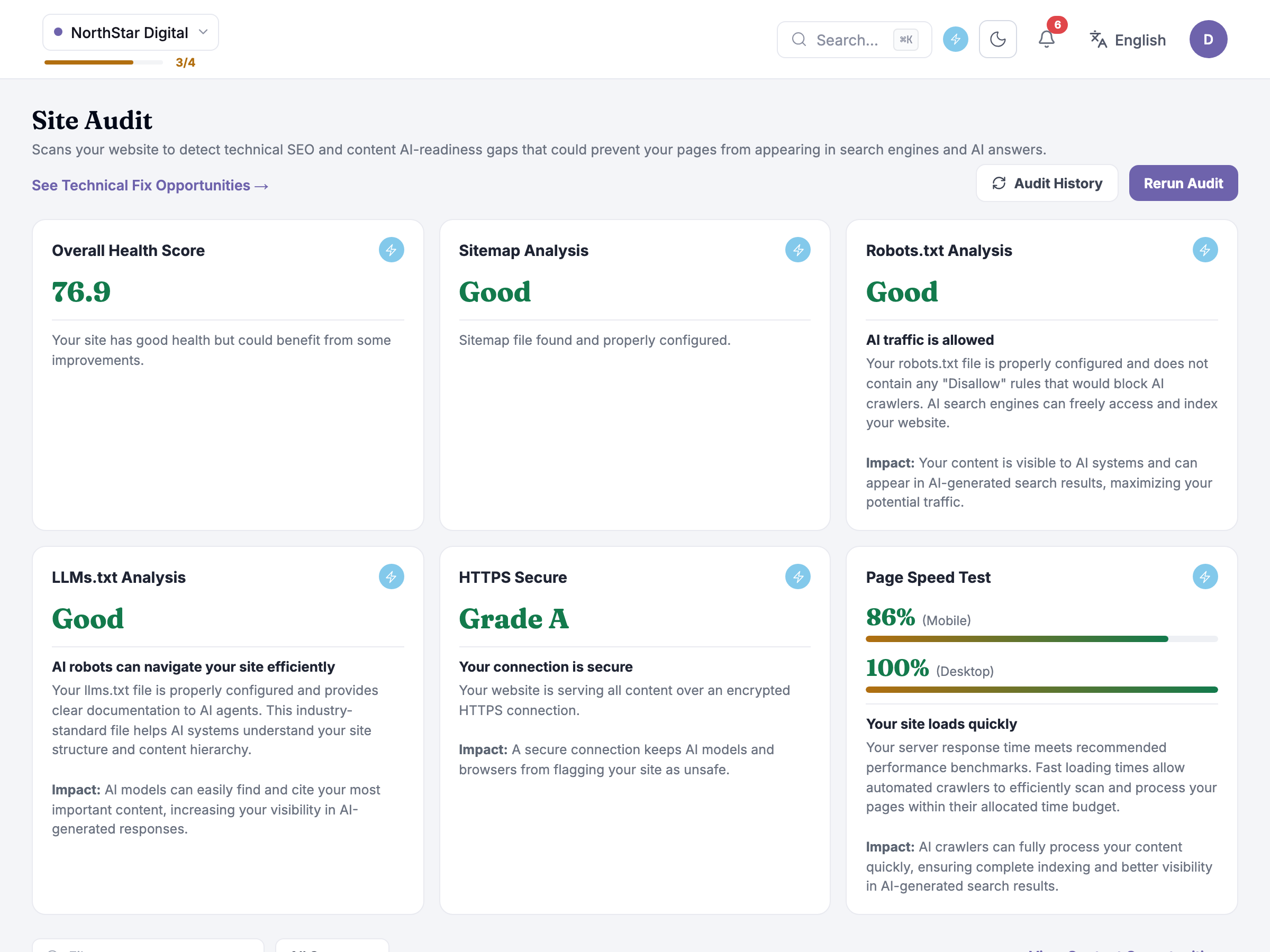 The header tells you two things before any score: when the audit ran, and — critically — how much of the site it actually read. GreenGrid’s latest run is a full crawl: 118 of 118 pages, which means every number below it is trustworthy. (What it looks like when that’s not true is covered at the end of this article — it matters.)
The Health Score — 76/100, Good — is the summary, with the tier scale right beside it (Excellent 90+, Good 70–89, Needs work below 70). Treat it as a trend line between audits, not a grade to fixate on: the real content is the four checks below, each written in plain English. Every check card carries four things — what the check is, why it matters (the Impact line), who usually fixes it, and an action button that shows you how to resolve it. Those last two are the difference between an audit you act on and an audit you archive: HTTPS problems go to your hosting provider, robots.txt and speed issues to your web developer, llms.txt to your developer or straight to the LLMs Generator — and the action button on each finding either opens the fix in the right place or hands you the exact step to pass along.
GreenGrid’s picture: HTTPS passes clean; robots.txt carries one warning; llms.txt is missing entirely; page speed carries three issues (mobile 62, desktop 88). Five issues total — and the footer shows exactly where they went: five technical fixes, already waiting in Visibility Gaps, one click away. The audit’s output is a populated to-do list, not a dead end.
Honest guidance — read the checks, not the score. The score is a composite; a 76 with a robots.txt problem blocking your best content is worse than a 71 with three cosmetic speed issues. Prioritize by what each finding touches, and let the score track your progress between audits.
The finding that explains a mystery
Section titled “The finding that explains a mystery”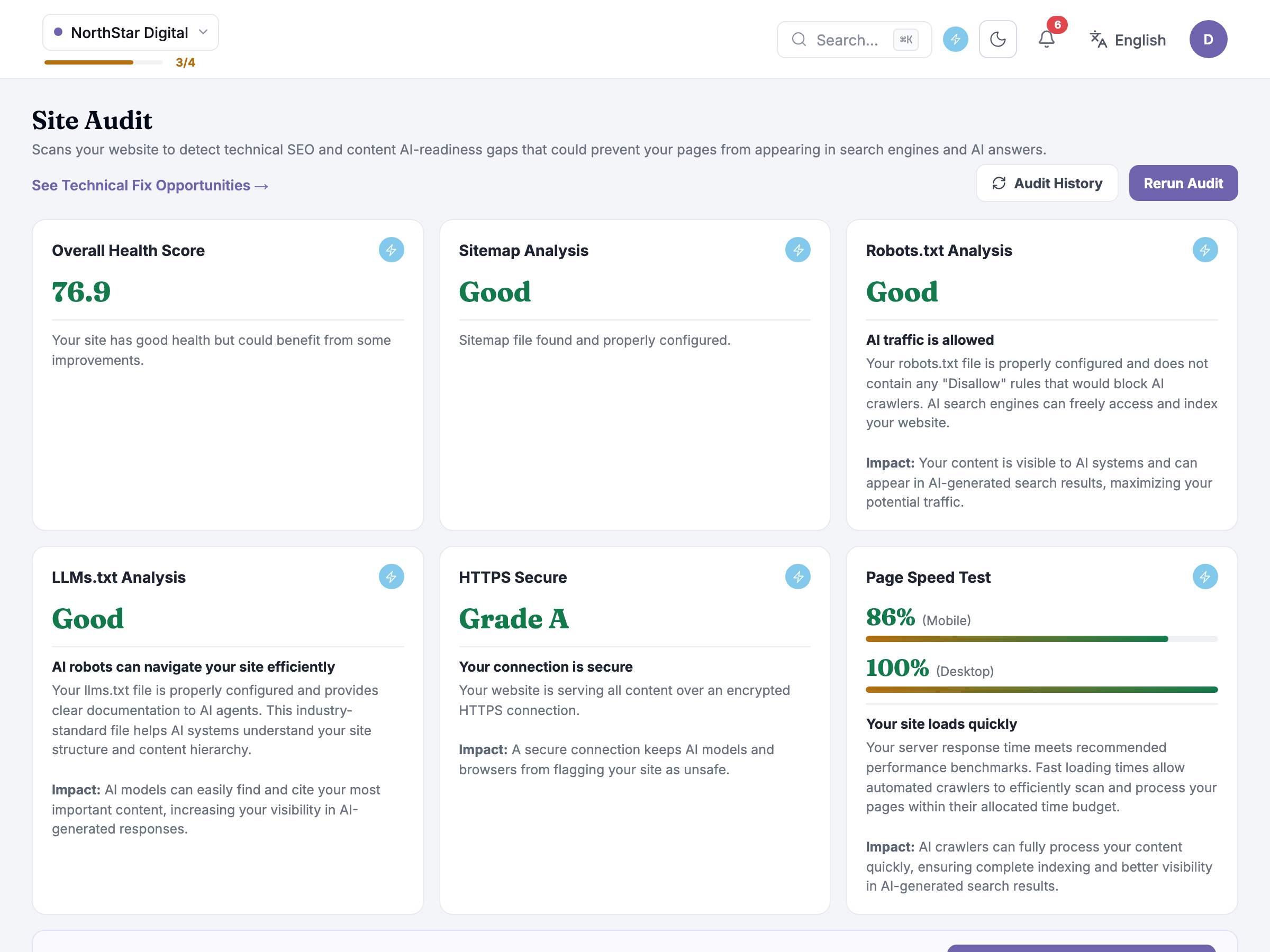 Open the robots.txt warning and you get the actual rule the crawler found:
User-agent: PerplexityBotDisallow: /guides/The audit reads robots.txt and your sitemap accurately, and it draws the line that used to trip this check up: a genuine block like the one above gets flagged, while valid, intentional crawl rules and a healthy sitemap are recognised as fine — no more false “blocked” warnings on a robots.txt that’s doing exactly what it should. So when you see this warning, it’s real. Here’s what it’s been costing: GreenGrid’s /guides/ section is its most-cited content — but only to the engines allowed to read it. The detail view says it directly: in Citation Analysis this period, ChatGPT and Gemini cite your guides; Perplexity cites only your news pages. That asymmetry looked like an engine preference. It was a door, closed, to exactly one crawler.
This is the audit doing its real job — connecting a technical artifact to a visibility pattern you could see but not explain. The fix is one edit for your web developer (the finding’s action button and the email button send it with instructions), the item is already tracked in Visibility Gaps, and the verification loop is: fix ships → re-run the audit to confirm the rule is gone → watch Perplexity’s citation behavior over the following periods in Citation Analysis.
Honest guidance — opening the door isn’t the same as traffic walking through it. Fixing a robots rule lets a crawler in immediately; citations and presence follow on the engine’s own re-crawl schedule — weeks, not days. Verify the fix with a re-run now; judge the effect across future periods.
The missing llms.txt is the other structural finding. It’s a small file that gives AI crawlers a guide to your site — what you publish, what matters, where your canonical content lives. Your developer can create it, or the Take Action → LLMs Generator (LLMs Generator) generates one from your profile in minutes; either way it ends with a file at greengrid.media/llms.txt and one less reason for AI to guess about you.
When the audit can’t see your site
Section titled “When the audit can’t see your site”An audit doesn’t always end with a result to read. Two other states are worth knowing:
While it’s running, the screen shows an Audit in Progress page — a short note that your site audit is currently running and may take a few minutes, with a link back to your audit history if you’d rather come back to it later.
If the site blocks the crawler outright, Site Audit doesn’t hand back a partial result — it shows a “Site Audit Couldn’t Run” message instead: “We couldn’t load your site audit because the website blocked our crawler. This often occurs when services like Cloudflare or firewalls block automated access.” From there you can ask Zicy’s assistant to walk you through unblocking it — Cloudflare’s bot-management settings are the most common culprit — then re-run the audit once it’s fixed.
Honest guidance — a blocked crawler isn’t a verdict on your site. It means the auditor couldn’t get in, not that what it would have found is bad. Unblock it and re-run before you draw any conclusion from an audit that never completed — and treat the block itself as a signal worth chasing: if the audit crawler is being kept out, there’s a fair chance some AI platform crawlers hit the same wall.
Common questions
Section titled “Common questions”Is 76 good? The scale on screen answers the tier (70–89 is Good); the checks answer what matters. GreenGrid’s 76 with one structural block on its best content is a “fix two things this week” situation, not a redesign.
I’m not technical — what do I actually do with these findings? Three moves, all on-screen: the fixes are already in Visibility Gaps as a tracked list; each finding names who usually fixes it and carries an action button showing how; and “Email this list to my web person” sends the whole thing in plain English. Your job is routing and follow-up, not implementation.
Does page speed really affect AI visibility? Indirectly but genuinely: slow or heavy pages get crawled less completely and parsed less reliably, and some engines fold page-experience signals into what they trust. Mobile 62 won’t zero you out, but it’s friction on every crawl. It’s usually the cheapest of the fix categories, too.
Can deleting an old audit lose my history? Audit results can be deleted, and deletion asks for explicit confirmation — but the history is your before/after evidence, so keep runs around bracketing any fix you want to prove.
How often should we run this? After any site change (redesign, migration, new hosting or bot-protection service — the classic silent breaker), after your web team ships fixes from the list, and quarterly as a floor even when nothing changed.
What to do next
Section titled “What to do next”- Visibility Gaps — the five fixes from this audit live there, prioritized alongside your content opportunities.
- Take Action → LLMs Generator — generate the missing llms.txt now; it’s the fastest item on the list.
- Citation Analysis — where you’ll verify the robots fix paying off, engine by engine.
- Key Topics Analysis — once AI can read everything, this is the map for what to publish next.